Host OS
Linux preferred, Windows Server supported
Debian is preferred for Linux installs. Windows Server 2022 is supported when required by plant IT.
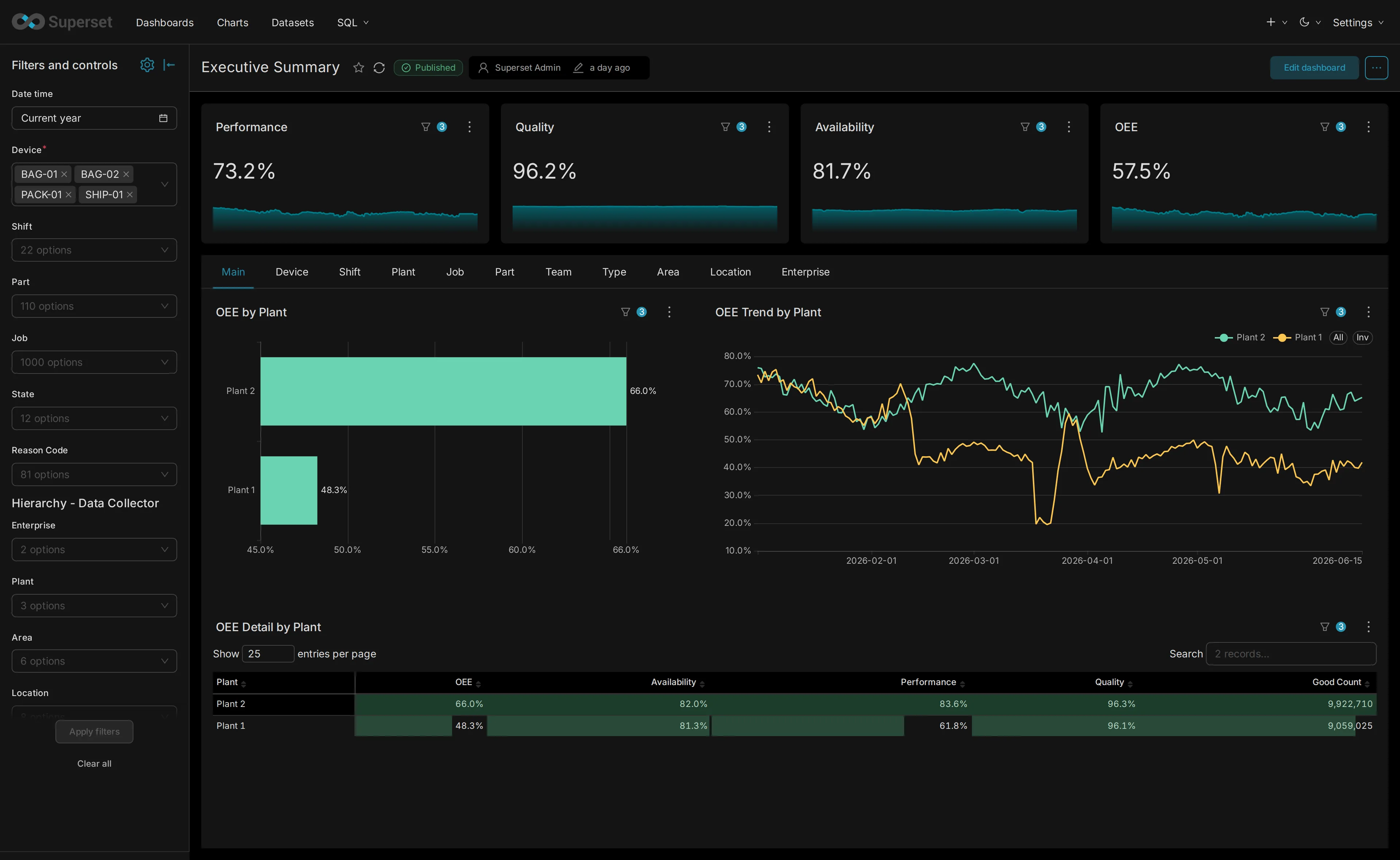
Technical specifications
Manufacturing software for plant-floor data capture, reporting, alerting, workforce context, and multi-system integration. The requirements below describe the server that runs it, whether that server sits in your plant or is hosted for you.
Deployment
IntelliSuite can start with one factory and scale to global deployment. The same product stack can run on customer-owned plant infrastructure, staging environments, and centrally managed multi-site rollouts.
Host OS
Debian is preferred for Linux installs. Windows Server 2022 is supported when required by plant IT.
Install mode
Docker keeps deployments consistent. Native Windows installation is supported for sites that cannot run containers.
Minimum server
A starting point for a production Windows Server deployment; Linux installs can start smaller, and SSD is recommended over HDD at every tier. Minimum and recommended sizing for both operating systems is below, and final sizing depends on device count and retention.
Remote access
Support access can also use an approved outbound tunnel pattern when direct inbound access is not available.
Server sizing
These are server-side sizing guidelines for OEE IntelliSuite. Final sizing depends on how many years of data need to stay online, how many Vorne boards are connected, how many IntelliSuite products are in use, backup policy, and whether the deployment is Windows Server or Linux.
For standard Windows Server installs dedicated to OEE IntelliSuite.
Minimum
Recommended
For dedicated Linux Server installs running OEE IntelliSuite.
Minimum
Recommended
These specifications are for the server, not tablets, operator stations, or browser-only clients. A small plant using one product and a short reporting window can stay near the minimum. A larger plant with more boards, more products, and more history should plan around the recommended tier.
Server access
The IntelliSuite server usually sits on the plant network. It needs access to the production data sources, business systems being integrated, users, and displays that will open the web apps.
Plan log access, security monitoring, and a SIEM connection with your IT team. The guidance explains what to verify for your installation.
Read the logging and SIEM guidanceHow IntelliSuite database backups and restores work on a server your organization owns, who does what, and the result of a recent recovery exercise.
Read the backup and recovery guideIntegrations
IntelliSuite integrates with shop-floor hardware, databases, business systems, spreadsheets, BI tools, and event-driven messaging paths. Any other system can connect through Node-RED flows, with our support, without custom code.
On a Vorne XL install, production history comes off the boards through the XL Bolt-On Data Collector, which Sulzer Consulting describes as a Microsoft Windows service that periodically harvests the data buffered inside each device and copies it into your own database, at a capture frequency you configure. It supports Microsoft SQL Server. IntelliSuite reads that database and keeps its own copy in PostgreSQL, so reporting and alerting do not depend on how much history a board can hold. It is licensed separately from IntelliSuite and normally runs on the same server. Work Tracker talks to the boards directly for job, state and reason write-back.
Browser support
IntelliSuite is accessed through a browser. No dedicated desktop client is required for normal operator, supervisor, or dashboard use.
Supported on current Chrome, Edge, Safari, and Firefox versions.
Works on desktops, laptops, tablets, phones, and browser-capable smart TVs or signage displays.
Discovery inputs
Final architecture depends on data volume, retention, site count, network rules, and integration scope.