Sign in once with Microsoft
OEE IntelliSuite supports single sign-on with Microsoft Entra ID (formerly Azure Active Directory). Sign in once, then move between Pulse, Explorer and other suite apps without signing in again.
What you will see
- On the suite sign-in page, select the button labeled "Continue with Microsoft".
- Sign in with your company Microsoft account and complete your company's multifactor authentication if prompted.
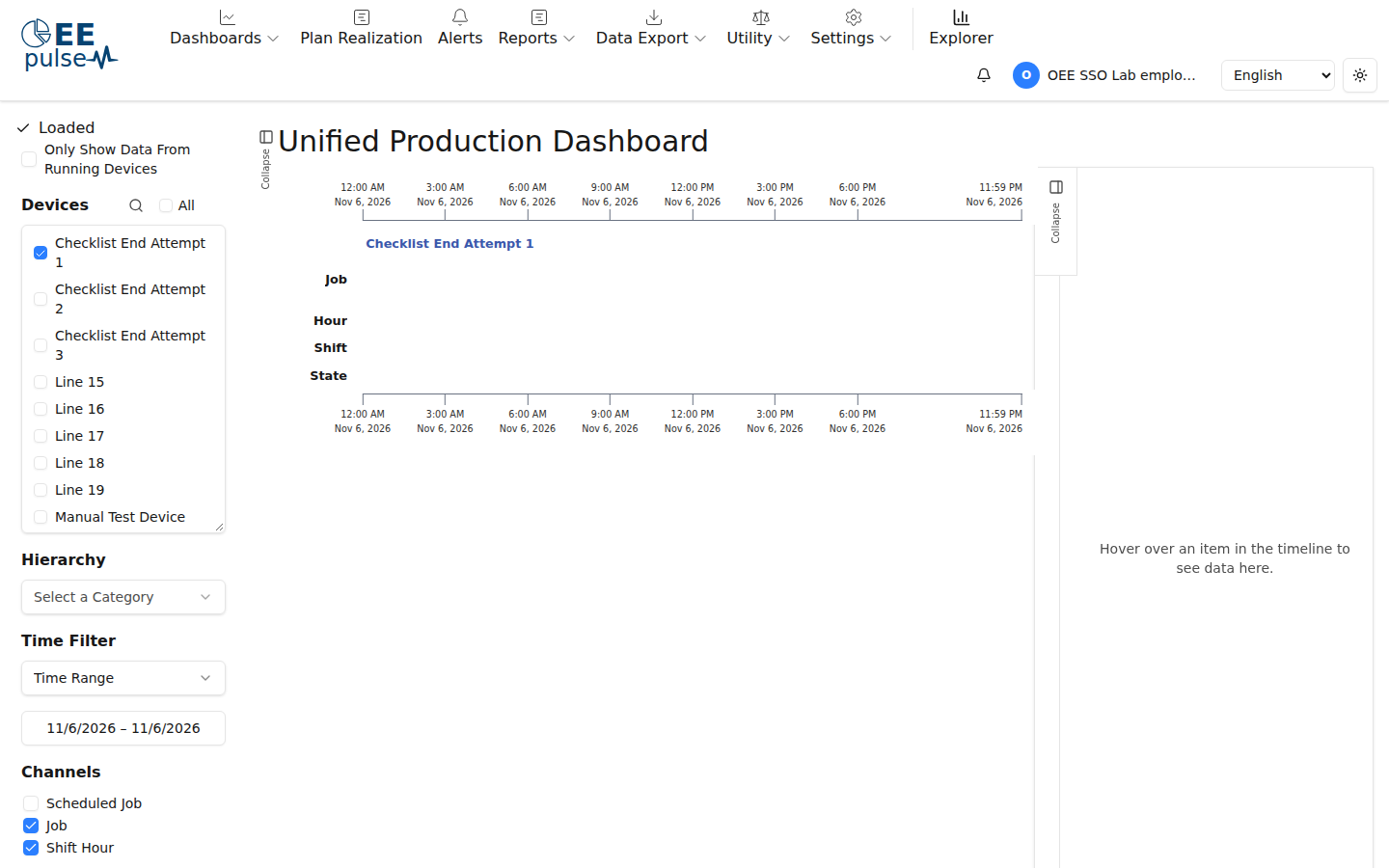
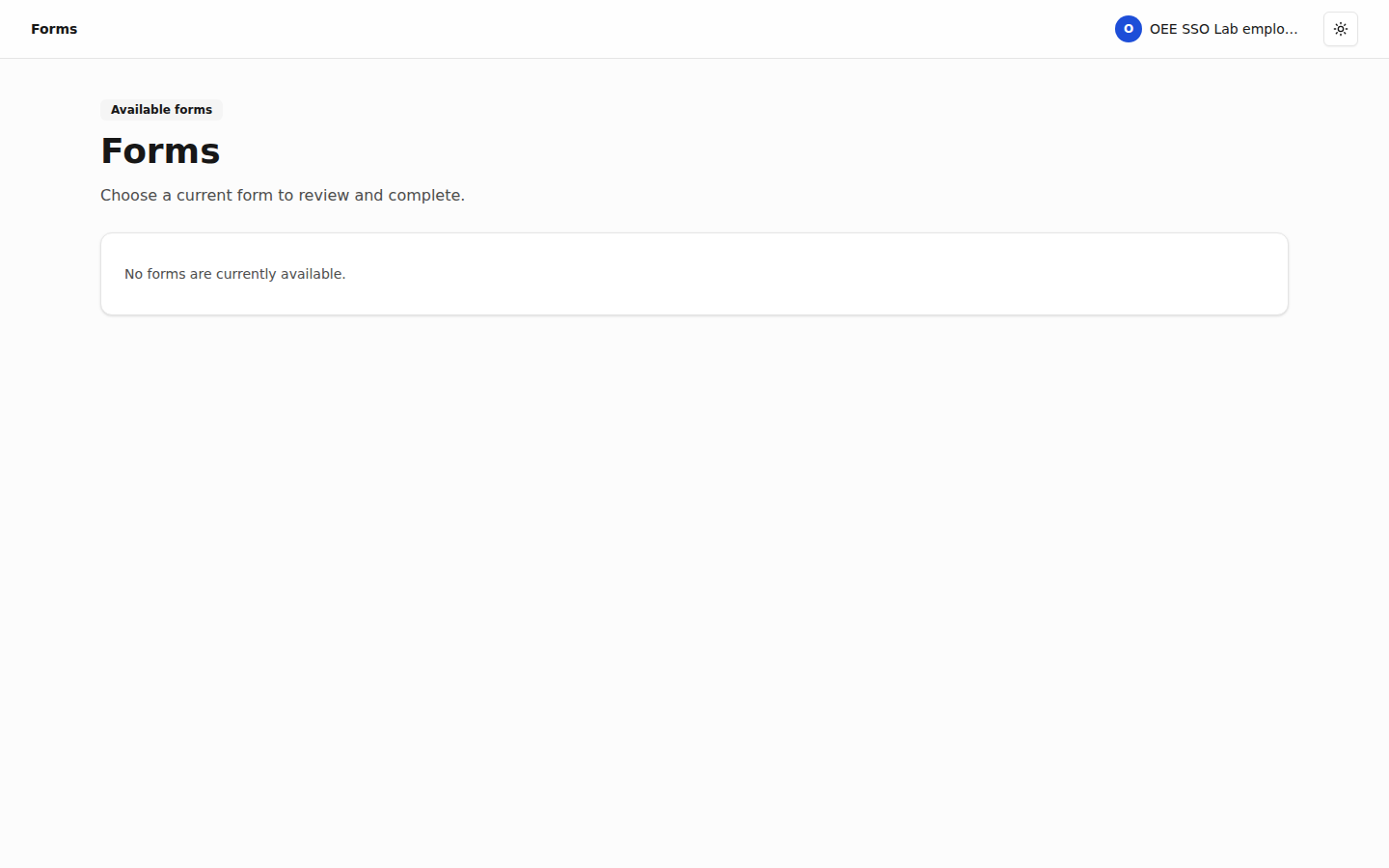
- Open Pulse, Explorer or another suite app. Your suite sign-in carries over as you move between apps.
What an administrator sets up
Create an app registration in Microsoft Entra ID and set its redirect URI to the suite's sign-in address ending in /api/auth/callback/microsoft. Enter the tenant ID, client ID and client secret in the suite's configuration.
The suite also supports AD/LDAP sign-in.