
OEE Work Tracker
Track Time, Monitor Jobs, Maximize Production Efficiency. Your Workforce Connected, Your Vorne Boards Optimized.

Powerful Features for Modern Manufacturing
Everything you need to transform shop floor operations and drive efficiency
Flexible Job Management
Import and manage jobs through multiple channels - ERP, SQL, API, or Excel - eliminating manual board entry.
Multi-Level Employee Tracking
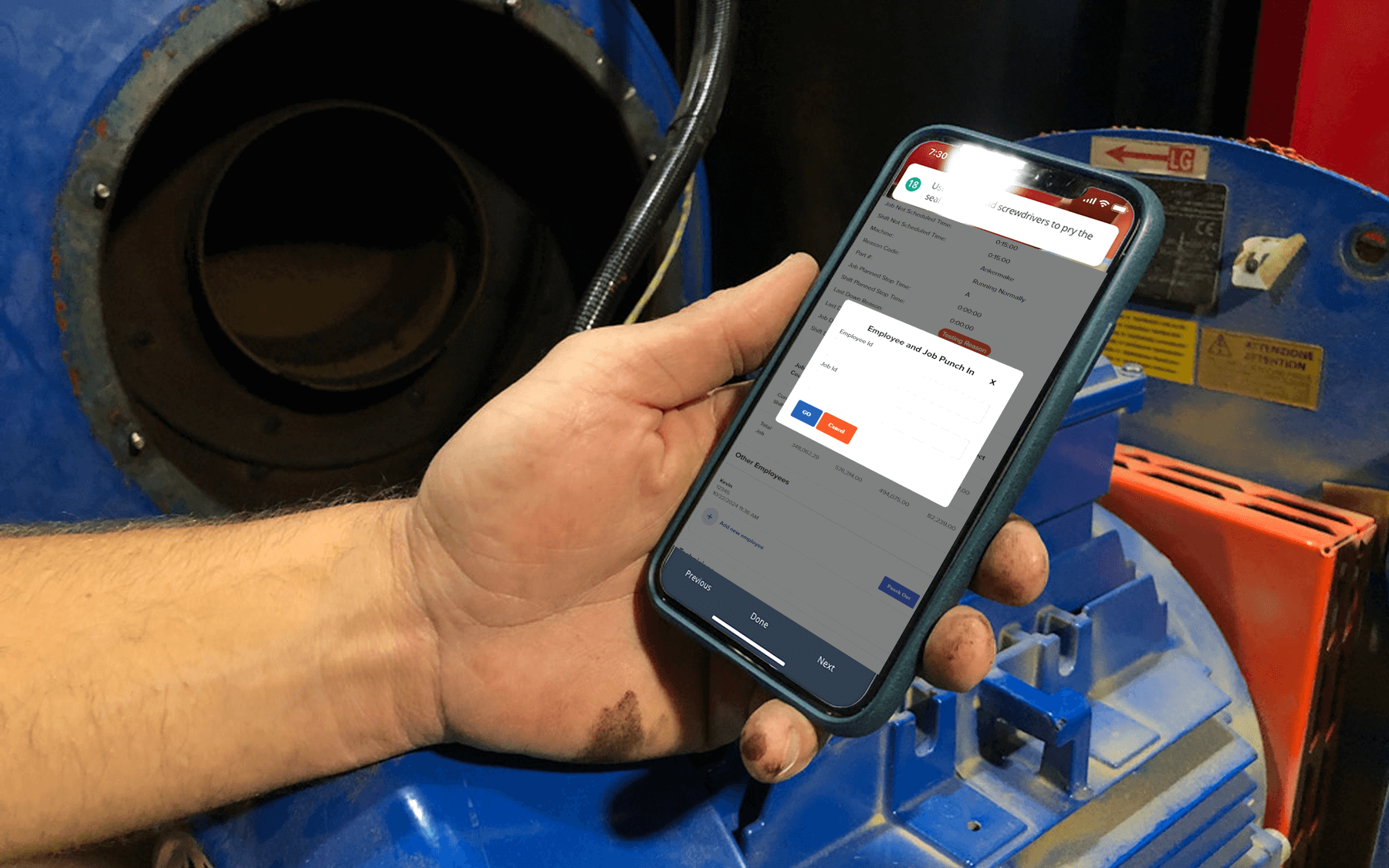
Support for primary operators, secondary staff, and technicians with independent time tracking. Punch in by badge scan or keypad.
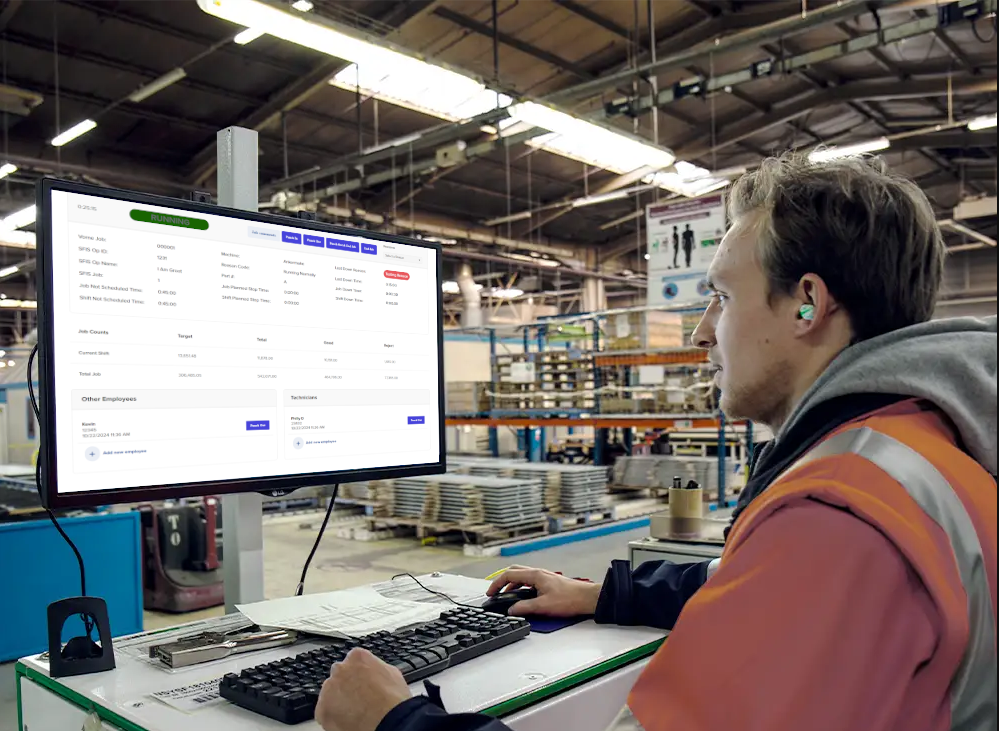
Real-Time Dashboard
Live updates of job status, shift data, and key metrics for operators with visual performance insights.
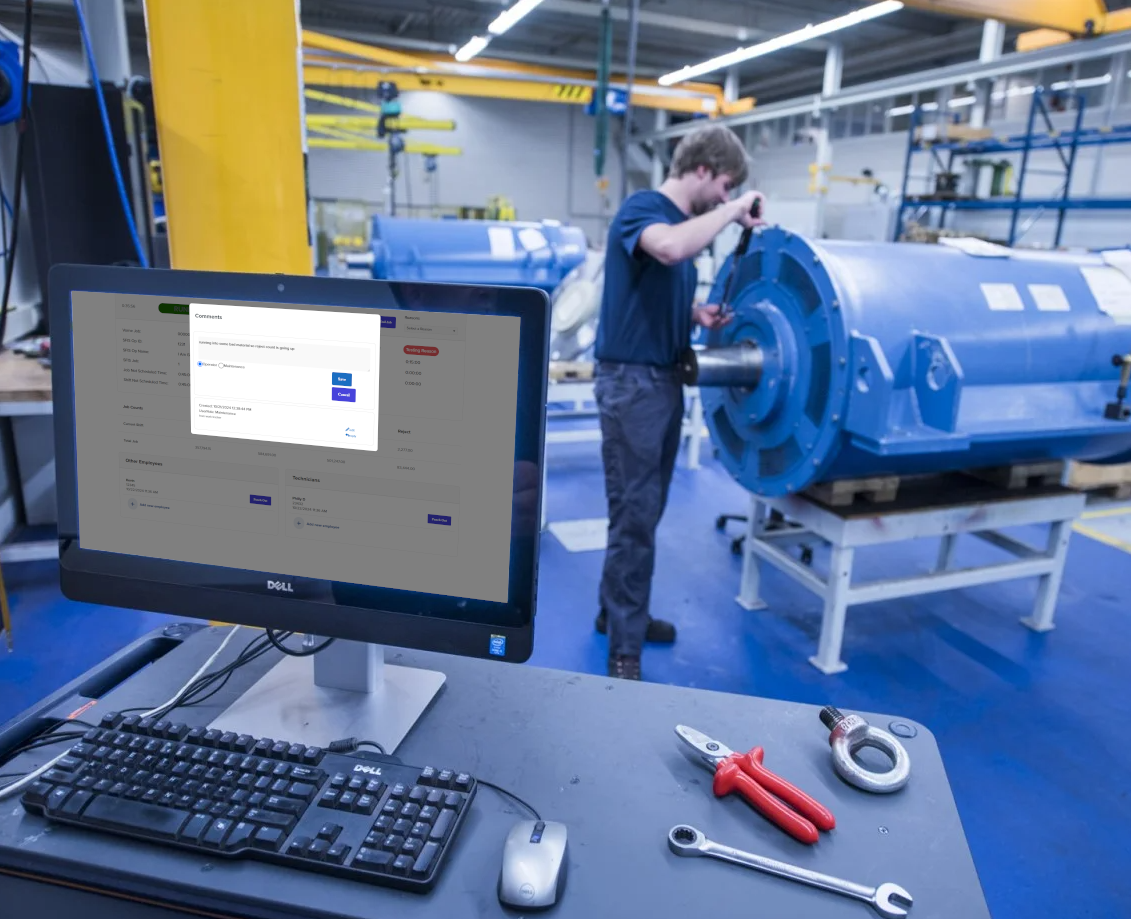
Interactive Job Controls
Enable operators to set reason codes, add comments, and manage job states directly from the interface.
Comprehensive Time Tracking
Track individual employee time across multiple jobs and shifts with accurate logging and summaries.
Flexible Deployment
Choose on-premises or cloud installation. Optional sign-in with email/password or Microsoft/Google accounts, and Employee, Supervisor and Admin roles.
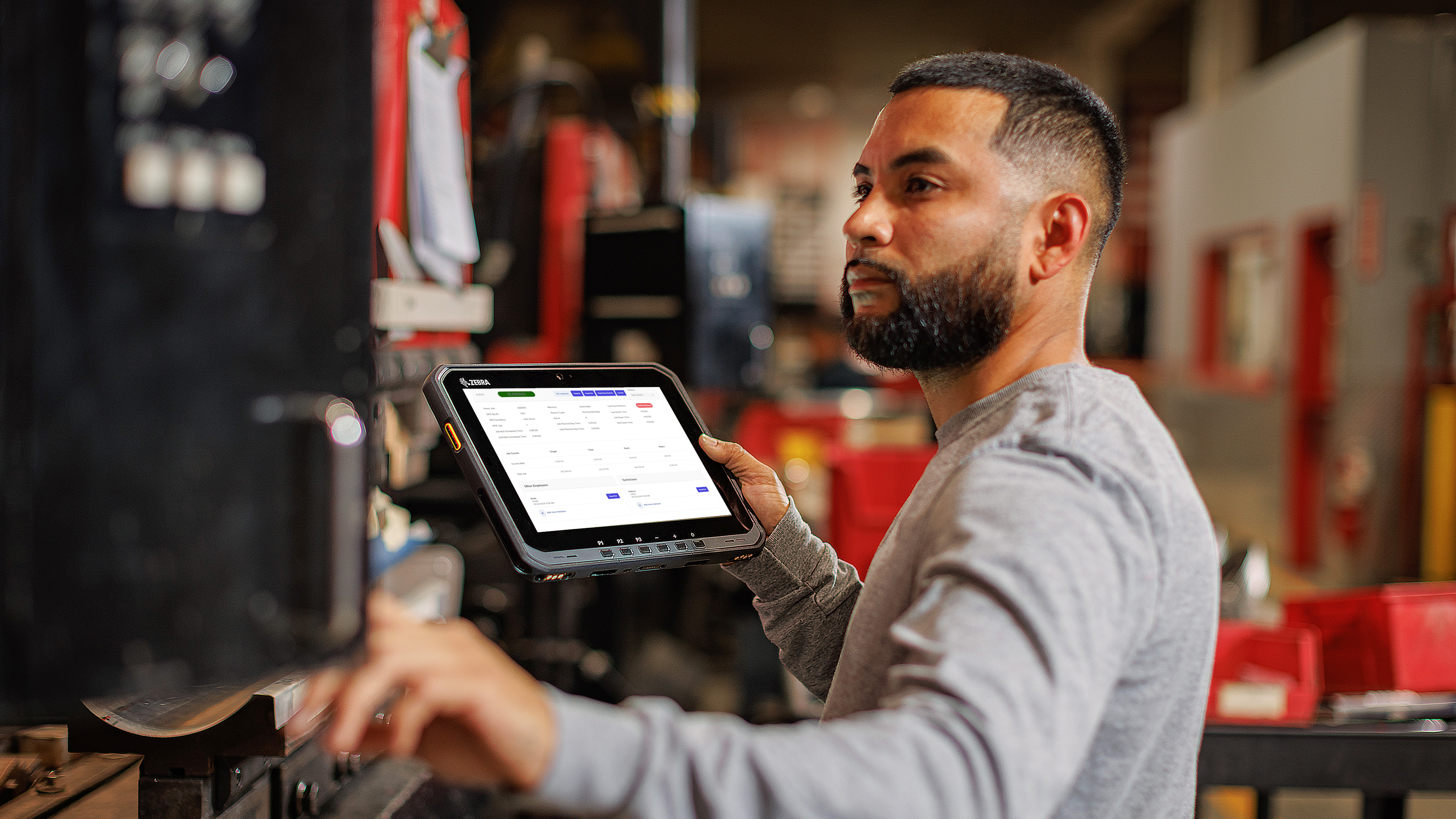
Works Everywhere You Do
Access from any device for maximum flexibility on the shop floor
The Missing Link Between
Your Vorne XL and Your Workforce
Vorne XL devices excel at tracking machine performance, but who is running the machine? How long did that changeover really take? Work Tracker adds the human context your OEE data is missing.
What Work Tracker Adds to Your Vorne XL
Capabilities that extend beyond native Vorne functionality
Seamless Integration With Your Systems
 ERP
ERP

 Excel / CSV
REST API
Modbus
Excel / CSV
REST API
Modbus
 OPC
OPC
Flexible Data Inputs
Work Tracker is designed for the reality of modern plants: some areas have Vorne boards, some rely on manual operator input, and some already have data available in business or machine systems. The goal is to bring those different inputs into one workflow instead of forcing one hardware model everywhere.
That means Work Tracker can support dedicated Vorne environments, manual work centers through Virtual Stations, and broader integrations where job or production context already exists in ERP systems, databases, APIs, or machine protocols.
Virtual Stations for Manual Work Centers
Track assembly lines, packaging, inspection, and other work centers where operators enter production activity directly. Virtual Stations are the manual-input path for areas without dedicated hardware.
Integrations for Existing Systems
Pull in job and production context from ERP systems, SQL databases, APIs, or plant protocols like Modbus, MQTT, and OPC. These integrations let Work Tracker fit plants where useful data already exists outside the software.
One Workflow Across All Inputs
Whether the data comes from Vorne boards, Virtual Stations, or integrations, Work Tracker keeps labor activity, job history, comments, checklists, and shift context connected in one place.
The OEE IntelliSuite Ecosystem
What your punch data unlocks everywhere else in the suite
OEE Explorer
Historical employee punches sit beside Vorne production data in Explorer's employee dashboards. Analyze efficiency, availability, quality, performance, and OEE by individual, spot training opportunities, and make staffing decisions from the data.
OEE Pulse Alerting
Employee time alerting is available: email when an employee's missing downtime exceeds 60 minutes in a shift, and alert when an employee's quality falls below a threshold. Delivery by email, SMS, Teams, Slack, push, in-app alert, or banner.
Custom Forms
Replace the clipboard. Build inspection, changeover, and quality forms that pull real plant data into their dropdowns, and capture the responses against the job.
Multi-step and Batch Tracking
Lines with multiple machines per line, and batch processes with sequential steps: step starts and ends, one flowing into the next, against the same job packet.
Try Work Tracker yourself at work-tracker.lite-demo.oeeintellisuite.com. A full guided demo on your own production data is available on request.